How to Retrieve the User to Whom a Workflow is Assigned Using X++?
Introduction: In Dynamics 365 Finance and Operations, it’s often necessary to identify the user to whom a workflow is assigned for a particular record. This blog outlines the steps to retrieve the assigned user for the workflow.
Scenario: Retrieve the user to whom the workflow is assigned and update the user field in a custom form after the workflow has been approved.
Note: Here, I am implementing the user retrieval logic in the workflow type event handler, but it can be done in any relevant location as needed.
High level resolution steps
- Create a generic method to retrieve the user in the workflow type event handler class.
- Call the generic method within the ‘completed’ method and update the user field.
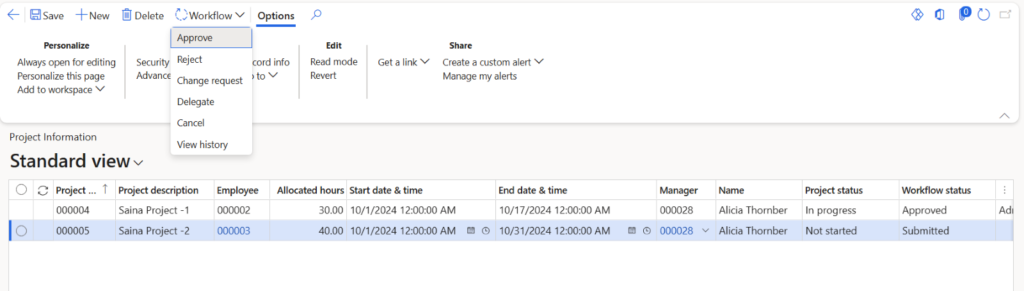
- Navigate to the UI and approve the workflow.
- Verify that the user field in the custom form is updated accordingly.
Detailed resolution steps
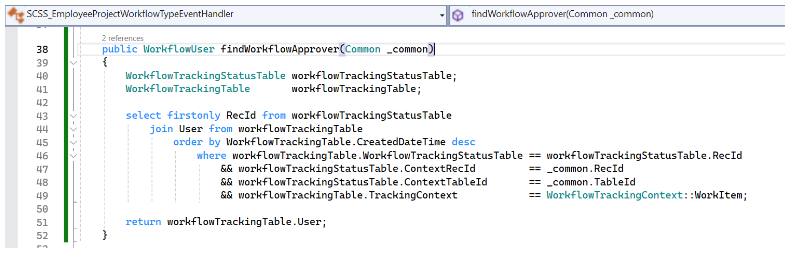
Step 1: Create a generic method to retrieve the user in the workflow type event handler class.
Code snippet:
public WorkflowUser findWorkflowApprover(Common _common)
{
    WorkflowTrackingStatusTable workflowTrackingStatusTable;
    WorkflowTrackingTable       workflowTrackingTable;

    select firstonly RecId from workflowTrackingStatusTable
        join User from workflowTrackingTable
            order by WorkflowTrackingTable.CreatedDateTime desc
                where workflowTrackingTable.WorkflowTrackingStatusTable == workflowTrackingStatusTable.RecId
                    && workflowTrackingStatusTable.ContextRecId         == _common.RecId
                    && workflowTrackingStatusTable.ContextTableId       == _common.TableId
                    && workflowTrackingTable.TrackingContext            == WorkflowTrackingContext::WorkItem;

    return workflowTrackingTable.User;

}
Code Explanation:
The provided code defines a method, findWorkflowApprover, which retrieves the user assigned to approve a workflow for a given record. Here’s a brief explanation of the code:
- Parameters: The method takes a parameter _common, which represents the record context (typically containing the record ID and table ID).
- Workflow Tracking Tables: It uses two tables: WorkflowTrackingStatusTable and WorkflowTrackingTable to join and filter relevant records.
- Select Query: The query selects the first record from workflowTrackingStatusTable and joins it with workflowTrackingTable, ordering by the CreatedDateTime in descending order. It filters the results based on the record ID and table ID from _common, and ensures that the tracking context is a work item.
- Return Value: The method returns the user assigned to the workflow from the workflowTrackingTable.
In summary, this method efficiently retrieves the user who is responsible for approving a specific workflow instance associated with the provided record.
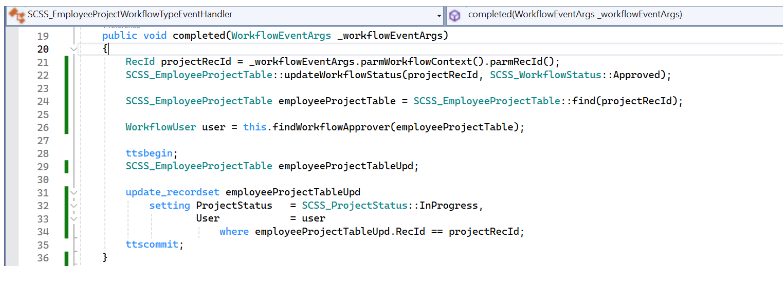
Step 2: Call the generic method within the completed method of Workflow type event handler and update the user field.
Code Snippet:
 public void completed(WorkflowEventArgs _workflowEventArgs)
 {
     RecId projectRecId = _workflowEventArgs.parmWorkflowContext().parmRecId();
     SCSS_EmployeeProjectTable::updateWorkflowStatus(projectRecId, SCSS_WorkflowStatus::Approved);

     SCSS_EmployeeProjectTable employeeProjectTable = SCSS_EmployeeProjectTable::find(projectRecId);

     WorkflowUser user = this.findWorkflowApprover(employeeProjectTable);

     ttsbegin;
     SCSS_EmployeeProjectTable employeeProjectTableUpd;

     update_recordset employeeProjectTableUpd
         setting ProjectStatus   = SCSS_ProjectStatus::InProgress,
                 User            = user
                     where employeeProjectTableUpd.RecId == projectRecId;
     ttscommit;

 }
Code Explanation:
- The completed method is triggered upon workflow completion.
- It retrieves the record ID from the workflow context.
- Updates the project’s status to “Approved” in SCSS_EmployeeProjectTable.
- Finds the user responsible for approval using findWorkflowApprover.
- Begins a transaction to ensure atomic updates.
- Updates the project’s status to “In Progress” and sets the User field to the approver.
- Commits the changes to the database.
Output
After approving the workflow, the user is updated in the User field of the custom form.