
Framing Data Modelling in Power BI – How to create relationships, Cardinality, Cross filter direction.
High-level resolution steps
- I have to create a relationship between the “Employees” and “EmployeeSkills” table.
Detailed resolution steps for Data Modelling in Power BI
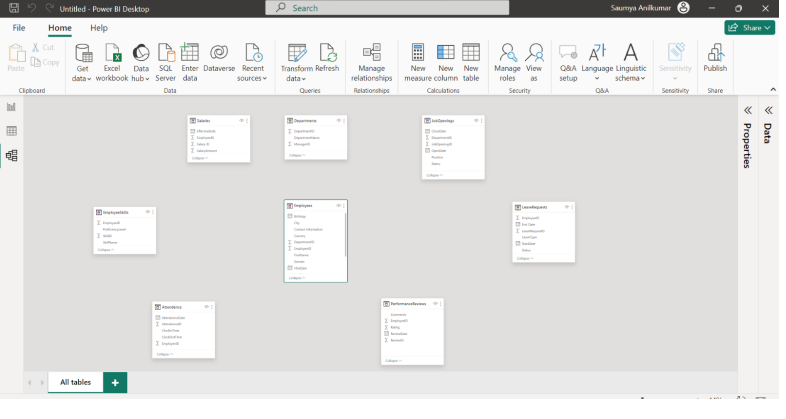
Step 1: After clicking on Model View your Power BI Desktop looks like this.
Step 2:
- It will show the model representation of your tables.
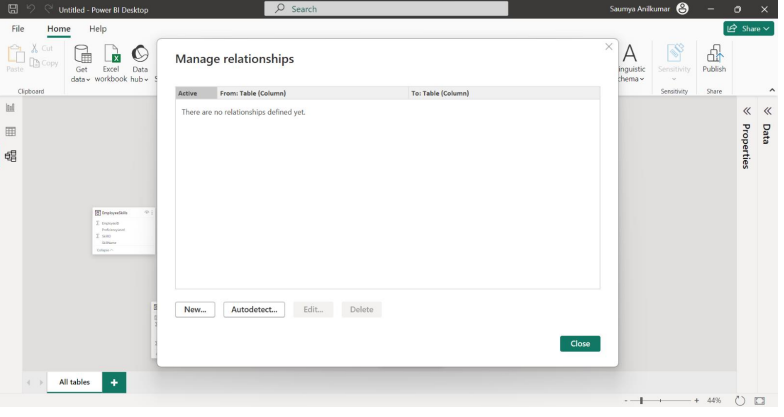
- Now, to create relationships in the Home menu bar, select Manage Relationships.
- After clicking on Manage Relationships, the Manage Relationships prompt displays.
Note: – Sometimes it will AutoDetect the relationship and create relationships.
Step 3:
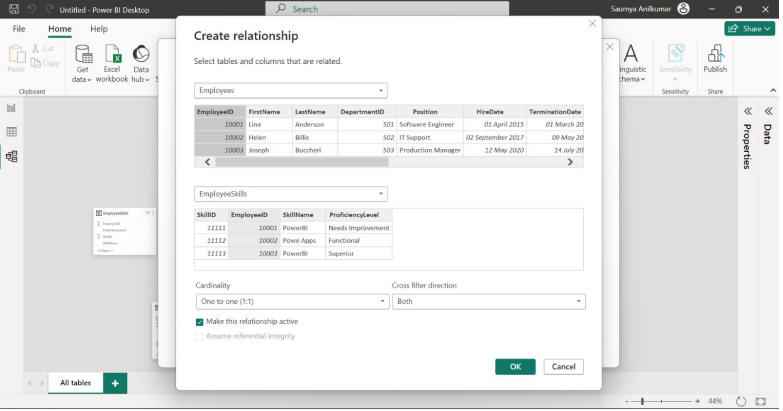
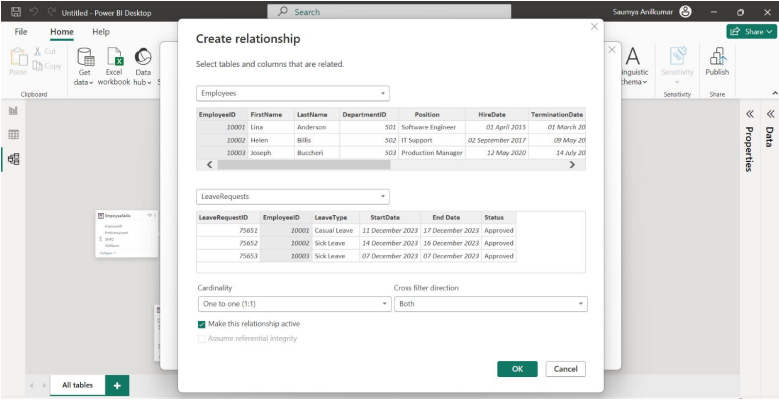
- Now, to create a relationship, click on the New option. After clicking on ” New “, you will get a create relationship prompt window.
- In the Create Relationship prompt, select tables and columns that are related.
Step 4:
- If you see the above image, I selected the “Employees” and “EmployeeSkills” tables and
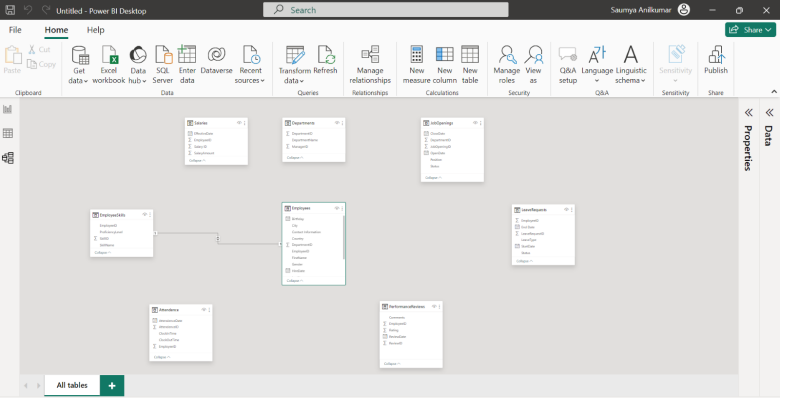
Both the table connected with “EmployeeID”. - After selecting the required tables or columns, click OK and then close the Manage
relationship window. - Now in the model view, you’ll see some changes that mean your relationship was created as shown in the image below.
Cardinality:
Power BI cardinality is defined by the relationship, and it refers to the relationship between two tables.
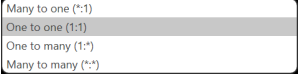
There are four types of cardinalities in Power BI: –
- One-to-one
- One-to-Many
- Many-to-One
- Many-to-Many
In Cardinality, we’ll get options like the image below.
When we create relationships, it is recommended that the joining field contains unique values in at least one of the tables. This allows you to use the one-to-many or many-to-one options in your data model.
Cross Filter Direction: –
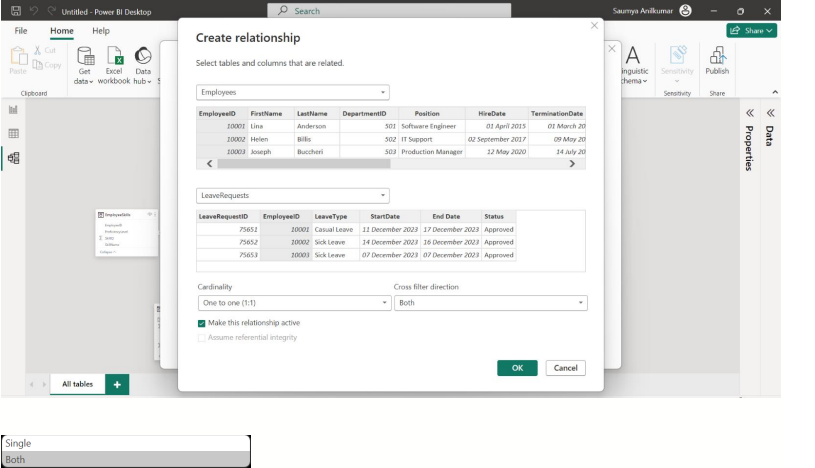
Cross filter direction gives a choice between either single or both directions. Relationships flow from the table with unique values to the table with many values.

Saumya Anilkumar