High level resolution steps
- Go to Power Platform admin center
- Enable Sample Data
Detailed resolution steps
Step 1: Go to Power Platform Admin Center >> Environments

Step 2: Select any environment and go to settings.
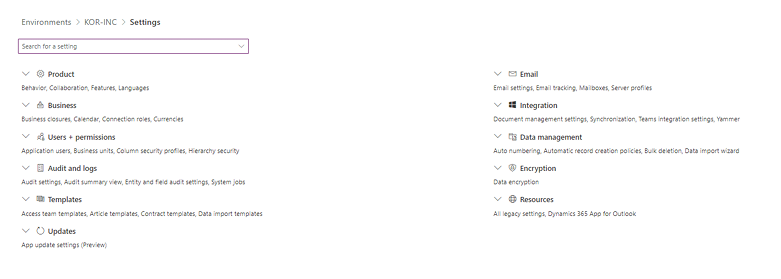
Step 3: Go to Data management under settings >> and select Sample Data

Output
Sample Data will be added to all the entities listed in the environment.